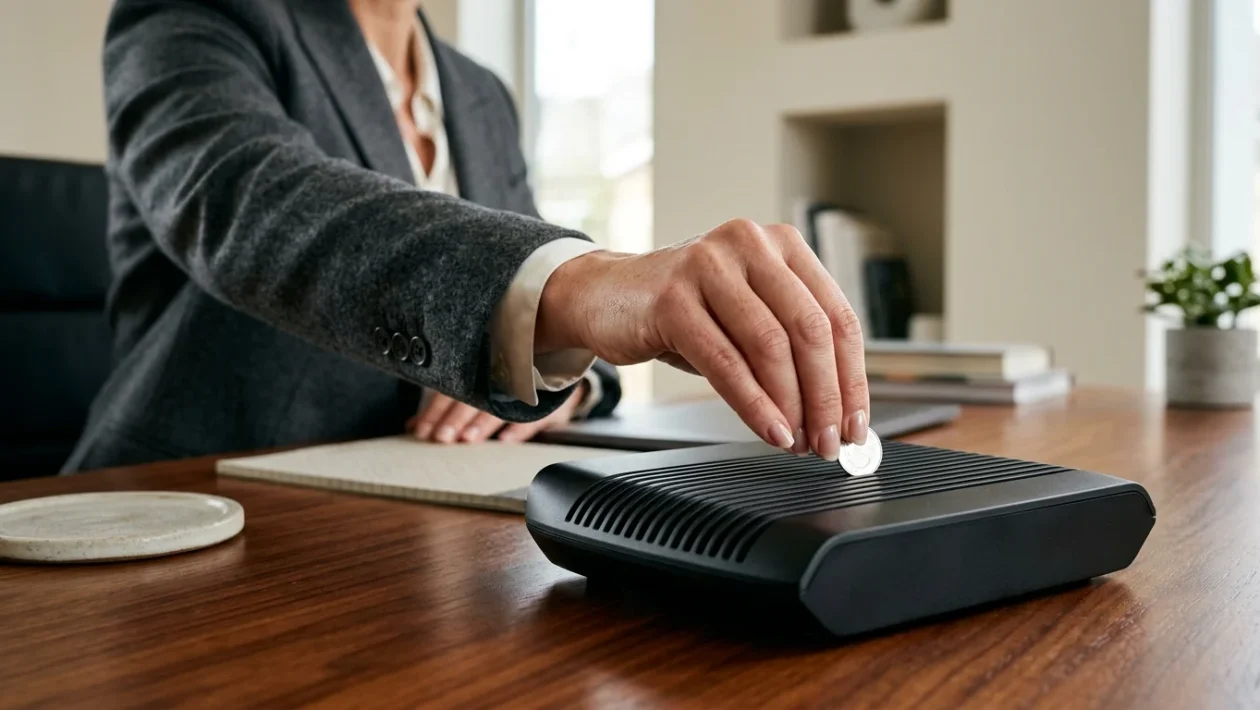
A standard home WiFi router sitting on a desk with a metal coin placed on top.
The Viral Coin Hack Explained
A bizarre home connectivity hack is gaining traction across social media. Users claim that placing a simple metal coin on top of a WiFi router dramatically boosts internet speeds.
The logic behind the trend seems plausible at first glance. Proponents argue the metal in the coin redirects electromagnetic waves, forcing the signal away from dead zones and toward specific areas of the home.
According to this viral hypothesis, the coin acts as a miniature focal point. It supposedly minimizes signal loss and pushes a stronger, faster connection to struggling devices.
Why Technology Experts Say It Fails
Telecommunications specialists are urging internet users to keep loose change away from their networking equipment. There is no scientific evidence to support the coin theory.
In reality, metal is a natural enemy of wireless connectivity. Metal objects block and deflect electromagnetic waves, creating digital dead zones and degrading overall connection quality.
Placing objects directly on top of a modem also introduces hardware risks. Routers require passive cooling, and blocking their ventilation grilles with coins or other items leads to overheating and long-term hardware failure.
Proven Ways to Boost Your Connection
Instead of relying on viral myths, networking professionals recommend optimizing your router’s physical environment. Proper configuration and placement solve most connectivity issues.
Effective Router Strategies
- Centralize placement: Position the hardware in an elevated, central location to distribute the signal evenly throughout the house.
- Clear the path: Keep the device away from thick walls, large furniture, and heavy metal objects that block transmission.
- Distance from appliances: Isolate the router from home appliances that generate frequency interference.
- Reboot regularly: Periodically turning the router off and back on helps flush its memory and optimize processing performance.
- Upgrade hardware: Aging modems bottleneck fast network speeds. Using modern devices drastically improves range and stability.
- Deploy repeaters: Large homes benefit directly from WiFi amplifiers or mesh network nodes to extend coverage.
The Worst Places for Your Router
Where you place your modem dictates how well it performs. Network installers actively avoid setting up routers in three specific household zones.
- The Kitchen: Dense appliances cause severe interference and present a risk of household accidents.
- Next to Windows: Glass limits indoor signal reflection, while outside public networks can easily interfere with your local frequency.
- Hidden near metal: Televisions, metallic cabinets, and large steel objects act as physical shields that trap your internet signal.
Exclusive Gift Unlocked!
You've been selected! Support our blog right now and unlock the rest of the article completely free.
👉 Quick Step: Check the box below and click the button to add us to favorites.