
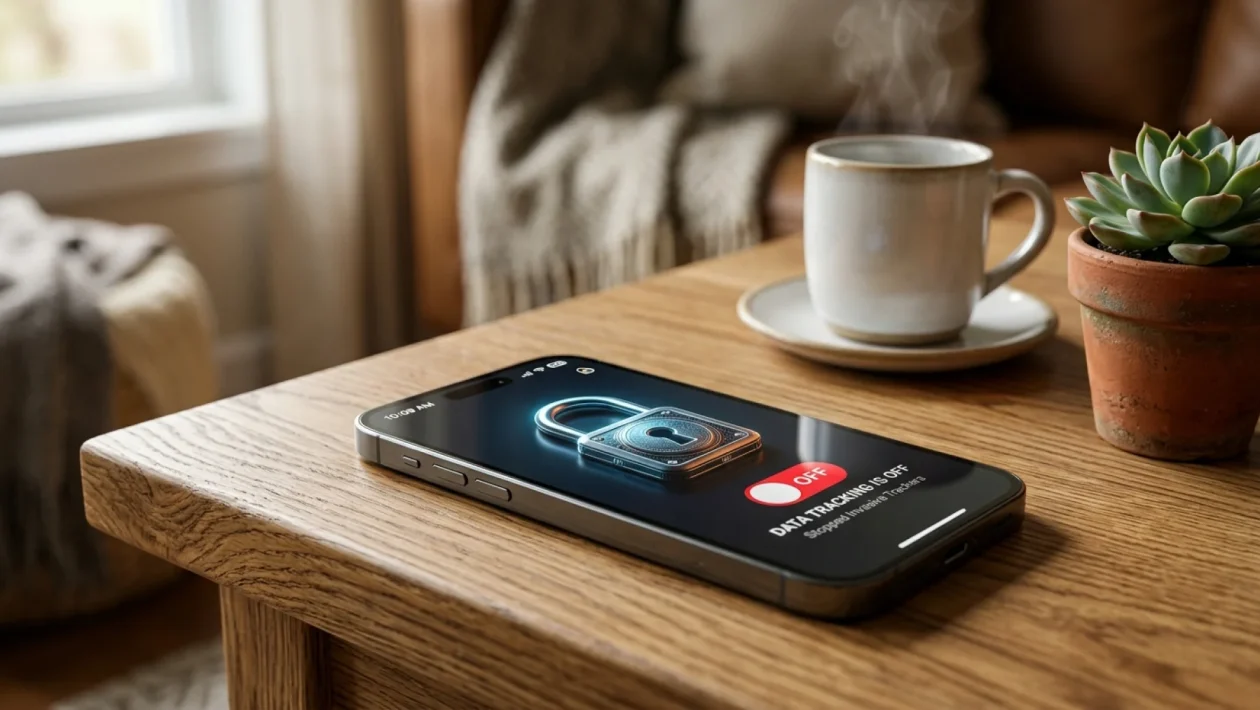
Every time you click a video online, a silent auction happens in the background with your personal data. You get hit with that massive wall of text about “cookies and data,” blindly click “Accept All,” and unwittingly hand over your location, watch history, and personal preferences to the highest bidder. It’s time to stop the bleeding. Today, we are locking down your digital life and keeping your data exactly where it belongs—firmly in your own hands.
YouTube Privacy Settings: What That Pop-Up Actually Means
Look, I get it. You just want to watch a quick tutorial on fixing a leaky faucet or catch up on hockey highlights. When that massive consent banner blocks your screen, it feels like a hostage negotiation.
But those YouTube privacy settings are actually the front door to your digital house. Google uses this banner to ask permission to track your viewing habits, serve you personalized ads, and build a highly specific profile of who you are.
Think of it like leaving the front door of your house wide open while you run down the street to grab a coffee at Tim Hortons. Sure, nothing bad might happen today, but you are practically inviting strangers to walk in and take notes on everything you own.
In fact, a recent 2026 digital security report revealed a staggering reality. A shocking 78% of North American internet users still blindly click “Accept All” just to make the banner disappear.
How To Block Intrusive Data Tracking Without Breaking Your Internet
You don’t need to throw your computer in a lake to stay private. You just need to know which digital levers to pull.
“Personal data is the currency of the modern internet. Every time you accept non-essential cookies, you are paying for free content with your own privacy.” — Dr. Sarah Jenkins, Cybersecurity Analyst.
Blocking this tracking doesn’t mean you can’t use the platform. It just means you are opting out of the creepy, hyper-targeted surveillance machine. Whether you are browsing on a fast Bell fiber connection at home or using mobile data on the road, the process is exactly the same.
Let’s roll up our sleeves and fix this right now. Here is your quick mechanical tune-up for your digital privacy:
- Click “More Options” (or “Manage Settings”) instead of hitting the big “Accept All” button when the banner appears.
- Scroll down to the section labeled “Personalized Ads” and aggressively toggle that switch to the off position.
- Locate the “YouTube History” setting and disable it so your late-night rabbit hole searches aren’t saved forever.
- Hit the “Reject All” button for non-essential cookies to instantly stop third-party trackers in their tracks.
- Save your preferences and enjoy a much quieter, less invasive browsing experience.
Take Back Your Digital Control: The Immediate Benefits
Once you tighten up these settings, the internet actually becomes a much more pleasant place. You stop seeing ads that magically know what you were just talking about with your buddy.
Taking back control means you are no longer a walking billboard for data brokers. To give you a clear picture of what changes when you lock things down, I’ve broken it down for you.
| Action | The Result for You |
|---|---|
| Accepting All Cookies | Targeted ads, saved search history, location tracking, and an extensive digital profile. |
| Rejecting Non-Essential Data | Generic ads based only on your current video, no saved history, and total data privacy. |
It really is that simple. You trade a tiny bit of “convenience” for a massive upgrade in personal security.
Frequently Asked Questions
Will rejecting cookies stop me from watching videos?
Not at all. YouTube will still play your videos perfectly fine. The only difference is that the platform won’t remember your searches for the next ten years, and the ads you see will be generic rather than highly personalized.
Do I have to do this every single time I open the site?
If you are not logged into a Google account, you might see the banner periodically when your browser clears its cache. If you are logged in, saving these preferences in your Google Account dashboard makes it a permanent fix across all your devices.
Can I delete the data they have already collected on me?
Absolutely. You can dive into your Google Account settings, navigate to the “Data & Privacy” tab, and manually wipe your entire search and watch history clean with just a few clicks.
Wrapping It Up
🤝 Good luck taking back your digital privacy this week. It might seem like a small step, but keeping your personal data out of the hands of massive tech companies is one of the smartest moves you can make.
💡 Take five minutes today to audit your own devices. Don’t let a minor inconvenience stop you from protecting your digital footprint.
📱 Share your thoughts on this process with your friends and family. Most people have no idea how much data they are giving away for free.
👇 Drop a comment below if you have any questions about locking down your other social media accounts, and stay safe out there!