
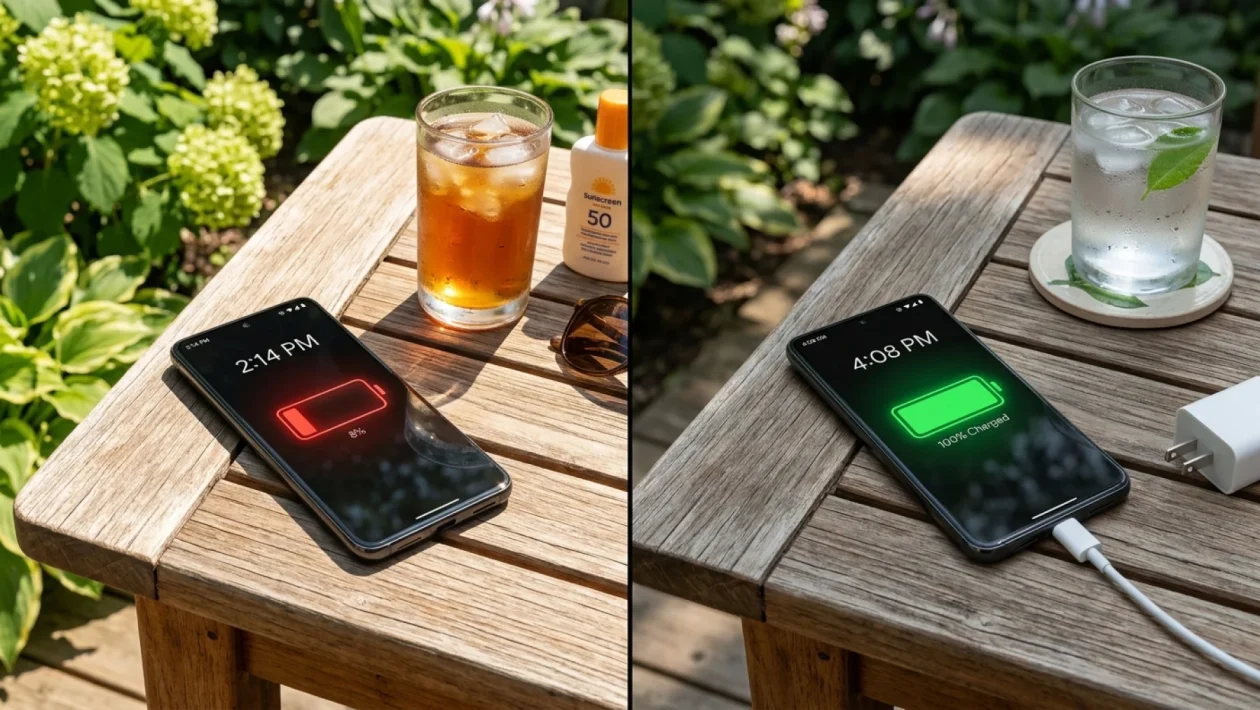
You unplugged your device at 7 AM, and by lunchtime, you’re staring down a terrifying 14% warning. Phone battery drain isn’t just annoying; it’s a massive roadblock when you rely on your device for navigation, payments, and staying connected with the crew.
I see this every single year, but this month is proving to be particularly brutal for smartphone owners across the board. If you feel like your battery life has fallen off a cliff recently, it’s not in your head.
The good news? You don’t necessarily need a costly hardware replacement to get through the day. We are going to pinpoint exactly what is chewing through your power right now and lock down a permanent solution to keep your screen on.
Phone battery drain explained
To understand why your charge is vanishing, we have to look at the silent processes running under the hood of your device. Your smartphone is essentially a miniature laptop, and it requires serious power to juggle background data, push notifications, and network connectivity.
When you leave the city and head up to cottage country, your phone’s antenna works overtime. If you are bouncing between weak Bell and Rogers 5G towers on the highway, your device is aggressively boosting its signal strength to maintain a connection, which torches your battery life.
Beyond network searching, rogue applications are often the primary suspects. Developers constantly push background updates, and a poorly optimized app can get stuck in a loop, draining your power while your phone is just sitting in your pocket.
Why your device is dying by noon this July
We are in the thick of July 2026, and the operating environment for your electronics has drastically changed. High ambient temperatures are the absolute nemesis of modern lithium-ion chemistry.
Here is a hard fact most people don’t know: once the ambient temperature hits 30°C (86°F), your phone’s battery degrades up to 20% faster during a discharge cycle. Your device is working harder just to keep its internal components from frying.
“Summer is the absolute worst season for smartphone batteries. The combination of direct sunlight on a patio and heavy location-services usage for travel creates a perfect storm for severe thermal throttling,” explains Sarah Jenkins, Lead Hardware Technician at MobileRepair North.
To make things easier to diagnose, here is a quick breakdown of what is likely killing your charge right now.
| The Culprit | The Quick Fix |
|---|---|
| Overheating in direct sunlight | Move to shade, remove heavy cases |
| Weak 5G network searching | Toggle Airplane Mode on/off |
| Aggressive screen brightness | Enable Auto-Brightness immediately |
And how to fix it
You don’t need a computer science degree to reclaim your battery life. Taking a few minutes to optimize your settings will easily buy you several extra hours of screen time every day.
Grab your device and run through this essential maintenance checklist right now.
- Audit your location services. Head into your privacy settings and restrict apps so they only track your location “While Using the App.” You do not need a food delivery app tracking your GPS coordinates 24/7.
- Reel in your screen brightness. Max brightness is a battery killer. Turn on “Auto-Brightness” so the phone adapts to the room, and lower the manual slider when you are indoors.
- Disable background app refresh. Go to your general settings and turn this feature off for social media and shopping apps. They will still update perfectly fine the second you open them.
- Switch to Wi-Fi Calling. If you are in a building with terrible cell reception, enable Wi-Fi calling. This stops your phone’s modem from aggressively searching for a tower through thick concrete walls.
Frequently Asked Questions
Does closing all my background apps save battery?
Surprisingly, no. Constantly force-closing apps actually uses more power because your phone has to cold-boot them from scratch the next time you open them. Let your operating system manage its own memory.
Is fast charging ruining my battery in the heat?
It can certainly contribute to wear and tear. Fast chargers generate significant heat. If you are plugging in during a sweltering July afternoon, try to keep the phone out of its case and off soft fabrics like a couch or bed to let the heat dissipate.
When do I know it is time to replace the battery?
Check your device’s internal battery health settings. If your maximum capacity has dropped below 80%, or if the phone randomly shuts down when it says you still have 20% left, it’s time to head to the repair shop.
📱 Good luck wrestling your battery life back from the brink this summer.
💡 It usually just takes a few minutes of tweaking your settings to get your hardware running smoothly again.
🤝 If this guide saved your afternoon, share your thoughts or send it to that one friend who is always asking to borrow a charging cable.
👇 Let me know in the comments what battery-saving method works best for your daily grind!
Exclusive Gift Unlocked!
You've been selected! Support our blog right now and unlock the rest of the article completely free.
👉 Quick Step: Check the box below and click the button to add us to favorites.