
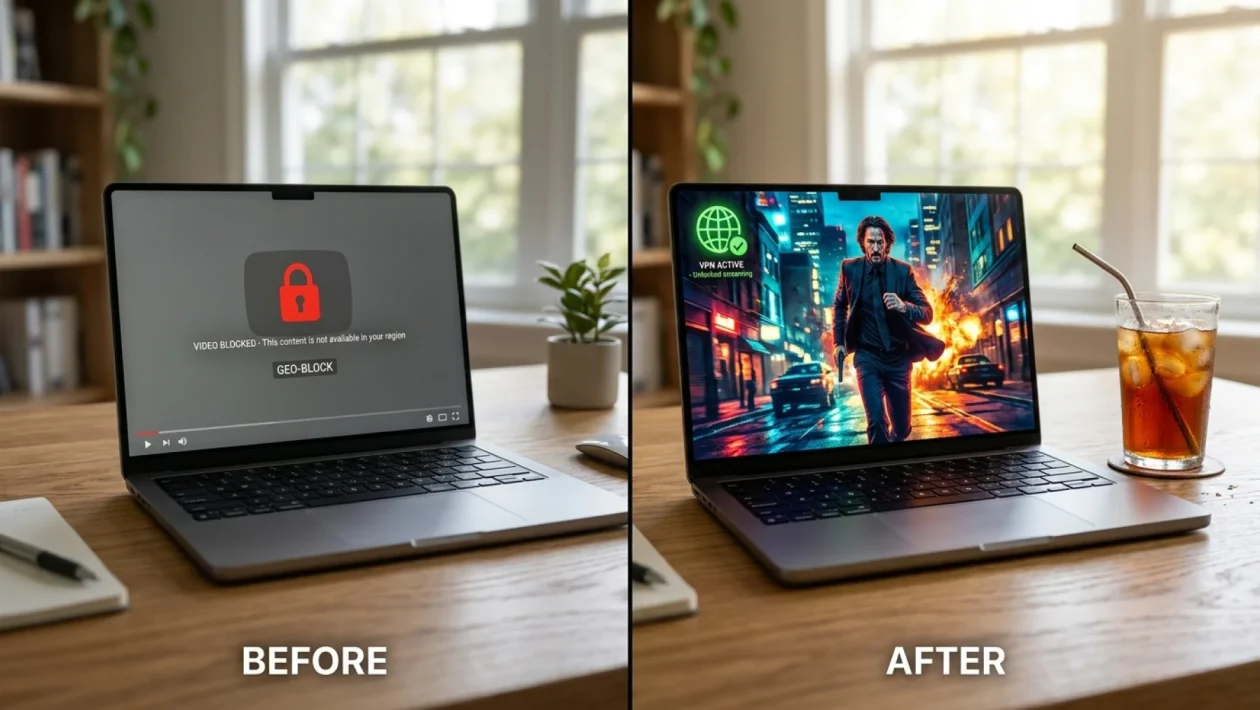
You sit down, grab a cold drink, and click the link to that breaking news story or highly anticipated video. Suddenly, a digital brick wall slams into your face: “This website is unavailable in your location.” It’s infuriating, but you don’t have to just accept defeat and close the tab. I’m going to show you exactly how to tear down these invisible digital borders in less than five minutes.
Why You Keep Seeing That Dreaded “Website Unavailable” Message
Ever wonder why a local news station in Atlanta or a streaming service in the UK cares if you’re trying to read their site from Toronto, Calgary, or Vancouver? It ultimately comes down to licensing agreements and heavy-handed copyright laws.
When you connect to the internet through Rogers, Bell, or any local internet service provider, you are assigned an IP address. Think of it as your digital license plate. That IP address acts as a homing beacon.
It loudly broadcasts your Canadian or regional location to every single server you ping. If a website owner hasn’t paid for the legal rights to broadcast their content globally, they simply lock the doors to foreign IP addresses.
“Geo-blocking isn’t about keeping you out personally; it’s a blunt instrument used by massive corporations to avoid complex international copyright lawsuits.” – Dave Millman, Lead Cybersecurity Analyst at TechSecure North
Bypass Geo-Blocks: Your Step-By-Step Playbook
The good news is you don’t need a degree in computer science to fix this. You just need the right digital wrench. The absolute most reliable method is using a Virtual Private Network (VPN).
Here is exactly how to bypass geo-blocks and trick the internet into thinking you’re sitting in a coffee shop in Atlanta, London, or Tokyo.
- Choose a reputable VPN: Avoid the sketchy free apps that sell your data. Go for an established brand with a strict no-logs policy (like the proudly Canadian-born TunnelBear, or industry heavyweights like ExpressVPN).
- Install the software: Download the app to your phone, tablet, or laptop. They all operate with a brilliantly simple, one-click interface nowadays.
- Select your target region: If the website is blocked outside the US, scroll through the server list and select an American city.
- Hit connect and refresh: Wait three seconds for the connection to establish, then simply refresh that blocked webpage. Presto—access granted.
The Best Tools To Unlock The Web Fast
While VPNs are the gold standard for dodging these annoying regional blackouts, they aren’t the only tool in the shed. Sometimes, you just need a quick fix for your smart TV without routing your entire network through an encrypted tunnel.
This is where a Smart DNS comes into play. It doesn’t encrypt your entire connection like a VPN, but it effortlessly reroutes your location data.
Check out this quick breakdown so you know exactly which tool to pull from your digital toolbox:
| The Tool | Best Used For |
|---|---|
| Virtual Private Network (VPN) | Total privacy, encrypting your data, and accessing global sites safely on your phone or laptop. |
| Smart DNS Proxy | High-speed 4K streaming on Smart TVs or gaming consoles without slowing down your base internet speed. |
It’s wild to think about how common this problem has become. By the summer of July 2026, a staggering 45% of North American internet users admit to using these exact workarounds just to access basic global media and local news sites.
Frequently Asked Questions
Is it illegal to bypass geo-blocks in Canada or the US?
No, using a VPN or Smart DNS is completely legal in North America. However, bypassing regional restrictions might violate the specific Terms of Service of certain streaming platforms, which could theoretically result in a temporary account suspension.
Will using a VPN slow down my internet connection?
Slightly, yes. Because your data is being encrypted and routed through a server in another country, you might see a 10% to 20% drop in speed. High-quality premium VPNs mitigate this so well that you won’t even notice the difference while streaming or browsing.
🤝 Look, nobody likes being told what they can or cannot see online. Taking control of your digital footprint is easier than changing a tire, and it gives you the absolute freedom to browse the global web on your own terms.
💡 Don’t let outdated regional restrictions ruin your web experience. Grab a solid VPN, switch your server to the right country, and get back to enjoying your content without those frustrating roadblock screens.
📱 I’d love to hear your experiences! What’s the most annoying website you’ve ever been locked out of? Drop a comment below and share your thoughts.
👇 Good luck out there, stay safe online, and happy browsing!