
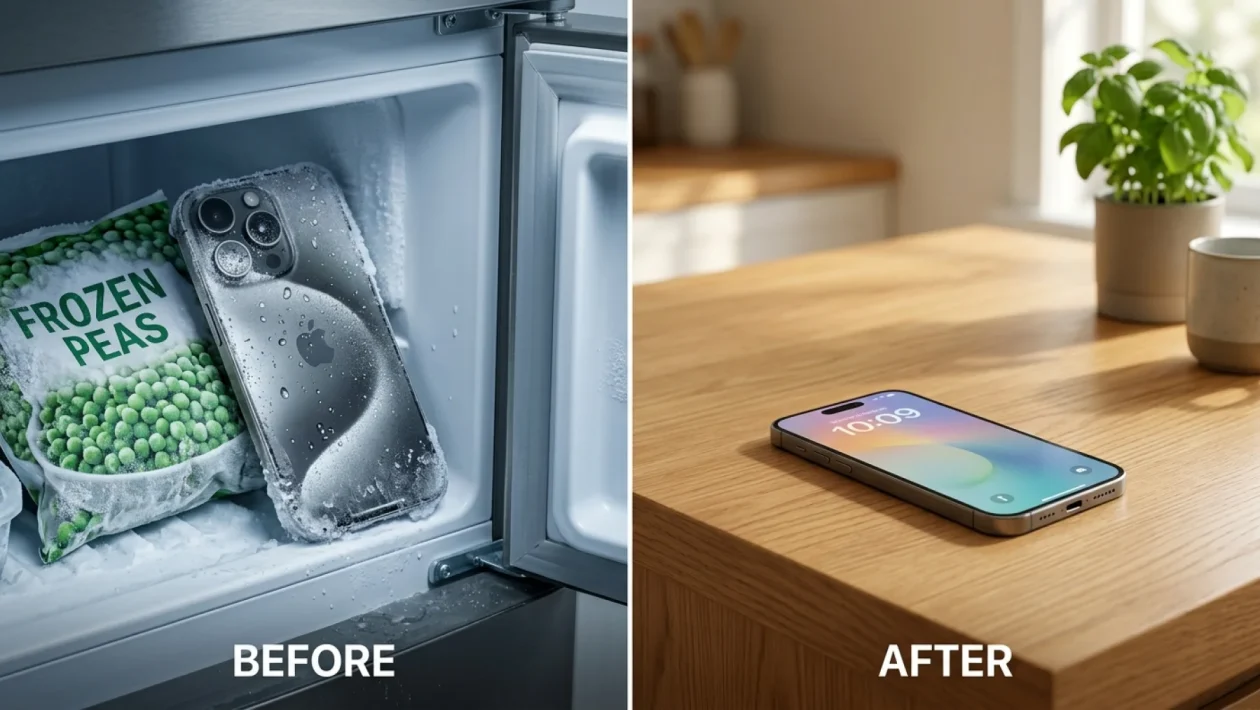
Your screen dims, the system lags, and suddenly a harsh temperature warning locks you out of your device. You sprint to the kitchen, yank open the freezer, and toss your phone next to the frozen peas because a viral video said it works. Pull it out right now. That split-second decision is about to cost you a fortune in permanent water damage.
We need to talk about the right way to handle an overheating phone rescue. Because if you follow the latest internet trends, your phone won’t survive the summer.
Overheating Phone Rescue: The Social Media Trap
If you’ve scrolled through social media lately, you’ve probably seen “tech gurus” shoving their blazing-hot electronics into the freezer. It looks like a brilliant, fast-acting solution when the July 2026 heat is absolutely melting your hardware.
The problem? It is a massive trap. Repair shops across the globe are currently dealing with a tidal wave of completely dead devices.
Major North American tech repair chains like Mobile Klinik and local indie shops are swamped with phones suffering from severe internal moisture damage. The culprit isn’t the swimming pool; it’s the kitchen appliances.
Why the Fridge Trend Will Destroy Your Device
The physics here are brutal and unforgiving. When a blazing hot phone enters a freezing environment, the warm, trapped air inside the chassis cools rapidly.
As that trapped air drops below its dew point, it creates instant liquid condensation directly on your motherboard, camera lenses, and charging ports. You are essentially drowning the phone from the inside out.
It gets worse when you take the chilled phone back into the warm summer air. Moisture forms all over the cold glass and metal, slipping right past the water-resistant seals.
“It’s a recipe for disaster. You are exposing delicate lithium-ion batteries and glass to intense thermal shock, which can cause everything from screen cracking to battery expansion,” explains veteran repair expert Jamie Farnell.
In fact, recent hardware teardowns show that internal condensation caused by sudden thermal shock can begin corroding a phone’s vital micro-soldering in less than 12 hours. It is a rapid, silent killer.
| Cooling Method | Potential Cost / Consequence |
|---|---|
| Freezer / Fridge | $400+ (Logic board corrosion, dead battery) |
| Natural Shade Cooling | $0 (100% safe and manufacturer approved) |
What Actually Works
Both Apple and Samsung are highly specific about how to handle temperature warnings. You don’t need gimmicks; you just need patience and common sense.
Here is the absolute best way to perform a safe overheating phone rescue without destroying your expensive tech:
- Power it down entirely: Stop the processor from generating more heat. Turn the device completely off.
- Strip the armor: Remove the phone from its case. Thick plastic and rubber trap heat against the battery.
- Find the shade: Move the phone to a cool, well-ventilated, and shaded room. Never leave it on a sun-baked car seat or patio table.
- Unplug it: If it’s connected to a charger or a power bank, disconnect it immediately. Charging generates massive internal heat.
- Let it breathe: Point a standard room fan at it, or simply leave it alone for 15 to 20 minutes to naturally reach room temperature.
Frequently Asked Questions
Can I use a bag of rice to fix the fridge moisture?
Absolutely not. The classic “rice trick” is a certified myth, especially for modern, sealed smartphones. Rice cannot draw liquid out of internal spaces, and worse, starchy rice dust will aggressively clog your charging ports and speaker grilles.
Should I blast the phone with my car’s AC?
While holding a hot phone up to an air conditioning vent is incredibly common, it still risks mild thermal shock. The sudden blast of ice-cold air can still trigger interior condensation. Just let the ambient cool air in the cabin do the work naturally.
Will an overheating warning permanently damage my phone?
Usually, no. Modern smartphones are incredibly smart. The temperature warning is a built-in defense mechanism that throttles performance and shuts the device down precisely to prevent permanent hardware damage.
🤝 Listen, I get the panic when your daily driver locks up in the heat, but trust the engineers on this one. Step away from the kitchen appliances.
💡 Your phone’s internal safety switches are doing exactly what they were designed to do. Give the device some shade, pop the case off, and grab a cold drink for yourself instead.
📱 Good luck out there keeping your tech safe this season. If you’ve ever fried a device trying a crazy internet hack, share your thoughts below—I’d love to hear your survival stories.