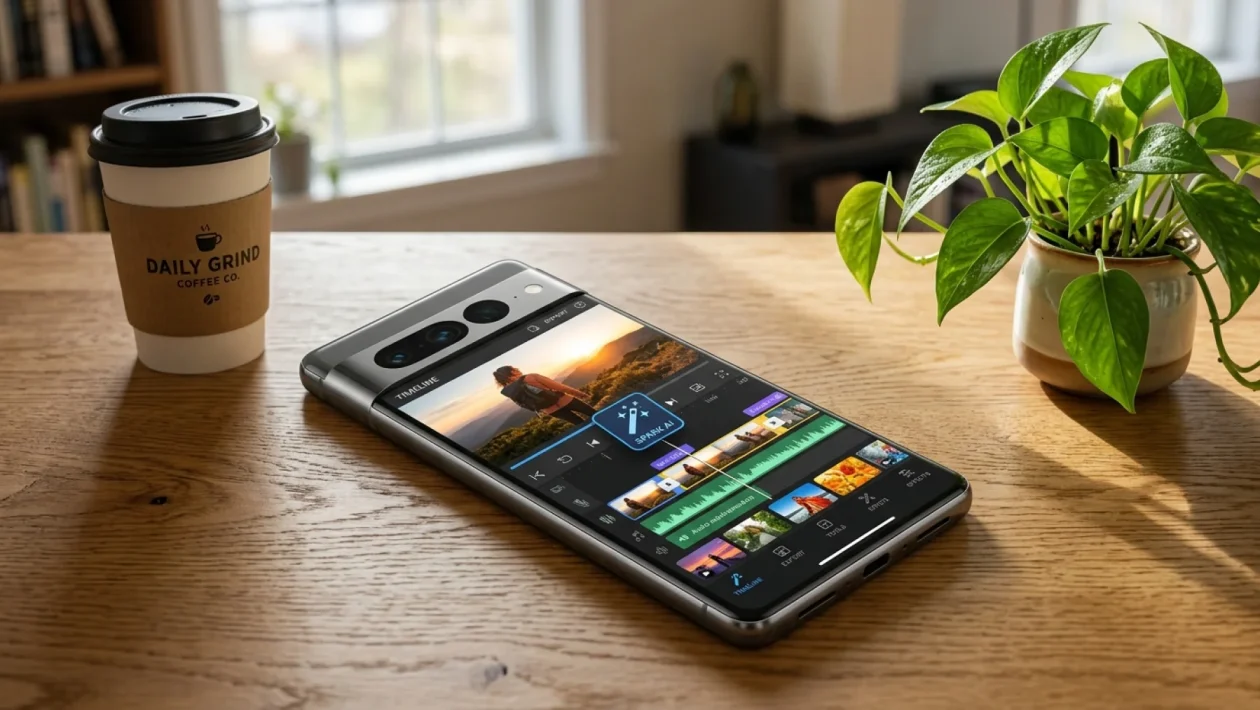
You just spent three hours clipping, syncing, and agonizing over a 15-second video only to get fourteen views. It is the absolute worst return on investment in the modern digital age. But as of this summer, the Instagram AI Editor has quietly revolutionized the way we piece content together. You no longer need a degree in film production or an overpriced desktop software subscription to make a video look professionally cut.
Meet Your New Pocket Producer
Think of this update like trading in an old manual hand saw for a top-of-the-line cordless power tool. The artificial intelligence scans your raw footage, identifies the most engaging moments, and stitches them perfectly to the beat.
It is literally doing the tedious manual labor for you. Brands are already catching on to this massive shift in efficiency.
Canadian tech giant Shopify recently noted that merchants utilizing AI-generated social clips are seeing much faster content turnarounds. If it works for multimillion-dollar e-commerce hubs, it will absolutely work for your weekend project or personal brand.
The Real Cost Of Manual Video Trimming
Time is money, and dragging your calloused thumbs across a tiny smartphone timeline is a massive waste of both. We all know the deep frustration of trying to hit that perfect beat drop on a transition.
A recent July 2026 digital marketing report revealed a staggering fact. 82% of small business owners abandon video marketing entirely because the editing process just demands too much of their free time.
Here is a quick breakdown of how the landscape has drastically shifted:
| The Old Manual Way | The New AI Method |
|---|---|
| 30+ minutes per video | Under 10 seconds |
| Endless scrolling for trending audio | Auto-suggested viral tracks |
| Frustrating manual beat-syncing | Instant, frame-perfect cuts |
Why do the grueling timeline work when the algorithm already knows exactly what it wants to push to the masses?
The Step-By-Step Playbook To Build Content Fast
Getting this running on your phone is easier than ordering your morning double-double at Tim Hortons. You just need to know exactly which buttons to press to trigger the automation.
Follow this straightforward workflow to get your reel live in record time:
- Open the Reels Camera: Swipe right from your home feed and tap the new ‘Spark’ wand icon sitting at the top of the screen.
- Dump Your Footage: Select up to 20 raw clips or photos from your camera roll. Do not worry about trimming them first; just throw them all in.
- Pick the Vibe: The app will prompt you with moods like ‘Upbeat’, ‘Cinematic’, or ‘Chill’. Tap the one that fits your narrative.
- Let It Cook: Wait roughly five to ten seconds. The system will output a fully edited, color-corrected, beat-synced video ready for your caption.
If you do not like the first draft, just hit the shuffle button. The interface will instantly generate a completely different cut using the exact same raw materials.
“The goal wasn’t to replace creators, but to remove the technical friction. By automating the tedious timeline work, we let people focus entirely on the actual story they want to tell.” – Marcus Vance, Lead Digital Architect.
Frequently Asked Questions
Will using automated editing hurt my reach?
Absolutely not. In fact, because the native Instagram AI Editor automatically pairs your visuals with currently trending audio tracks, it often gives your content a highly favorable algorithmic boost.
Can I still manually adjust the final cut?
Yes you can. Once the automated draft is generated, you can tap the timeline view to jump right back into the traditional editing suite. You retain full control to tweak a specific transition, swap a filter, or change your text overlays.
Do I need a brand-new phone for this to work?
As long as you are running the latest summer update of the app on a standard modern smartphone, you are good to go. The heavy processing happens on remote cloud servers, so it will not instantly drain your battery or require massive hardware power.
🤝 It is time to take your weekend back. You do not need to be a professional videographer to compete on social media anymore.
💡 Embrace the automation. Let the software handle the tedious frame-matching so you can focus entirely on filming great stuff.
📱 Open your app right now and throw five random clips into the generator just to see what kind of magic it spits out.
👇 Good luck, and drop a comment below to share your thoughts on how this brilliant new tool changes your content game.